PLAYER SUPPORT
Let’s get you
back in the sky.
Help with your flight, your collection and your progress.
QUICK ANSWERS
Everything you need
to keep flying.
How do I fly and pause?
Tap Play, then tap the flight area to flap. Time your taps to clear each gate. Use the top-right pause button to pause or return to the menu.
How do crystals, birds and upgrades work?
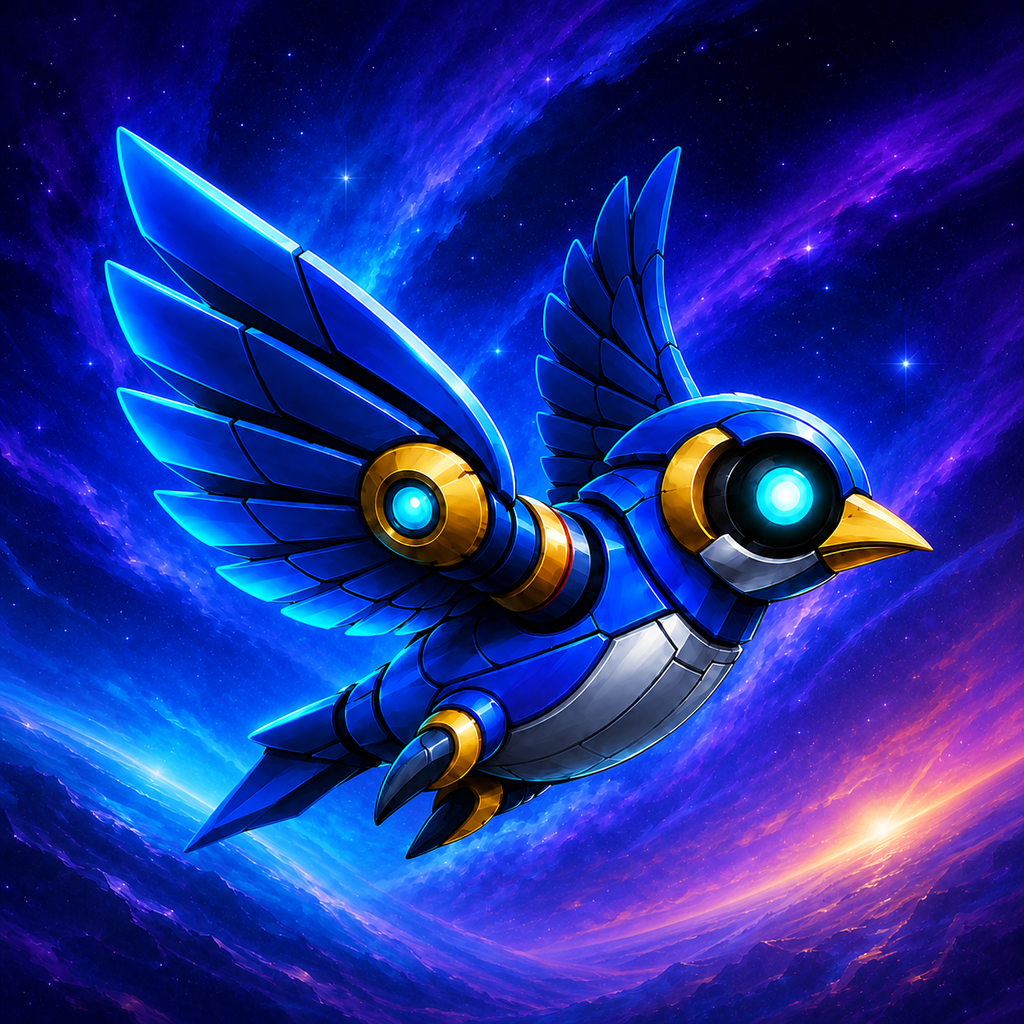
Earn crystals by playing, then spend them in the Bird Hangar or Tech Tree. The fifteen birds are cosmetic and share the same flight physics.
The Tech Tree has Collection, Recovery and Mastery branches. Reach level two in the preceding node to open the next one. These purchases use earned crystals, not real money.
How do I reach the other worlds?
Every run begins in Neon City. Clear fifteen gates to reach the next world; the twelve-world route repeats. Open Worlds & Power-ups from Home to browse all four guide pages.
What do the power-ups do?
Aegis absorbs one collision. Time Pulse slows flight for four seconds. Crystal Magnet draws in crystals for six seconds. Collect them during a run.
Where is my progress saved?
Your scores, crystals, unlocked birds, upgrades and preferences are saved on your device. There is no SkyPulse account or cross-device sync service.
Deleting the app may remove your progress. Avoid reinstalling as a troubleshooting step unless you accept that risk.
Can I reduce motion or turn off haptics?
Use Reduced Motion in the game settings to limit scenery and effects animation. You can also turn haptics off there.
Sending a support message? Our privacy policy explains how correspondence is handled.